Quick Facts
- Category: Gaming
- Published: 2026-05-02 05:37:34
- Linux Mint Boosts Hardware Compatibility with New HWE ISO Releases
- How to Spot the Best Sky Events in May 2026
- Snap's Q1 Earnings: A Step-by-Step Guide to Analyzing Corporate Reports and Deal Impacts
- Google I/O 2026: Can the Tech Giant Reclaim Its AI Throne?
- 10 Key Updates in the Python VS Code Extension – March 2026
Introduction
Turning a PlayStation 5 into a fully functional Linux PC sounds like a dream, but thanks to security engineer Andy Nguyen's ps5-linux-boot project, it's now a reality—provided your console is running firmware version 3.xx or 4.xx. This guide will walk you through the process of booting Ubuntu on your PS5, giving you direct hardware access to its powerful eight-core Zen 2 CPU and RDNA 2 GPU, and allowing you to play Steam games. Keep in mind this is an unofficial hack that exploits a patched hypervisor vulnerability, so proceed with caution. Ready to turn your console into a dual-purpose gaming and productivity machine? Let's dive in.

What You Need
Before starting, gather the following items:
- A PlayStation 5 console (Phat model) running firmware version 3.xx or 4.xx. Check your firmware in Settings → System → System Software → Console Information.
- A USB flash drive (at least 8 GB) for booting Ubuntu.
- Ubuntu Desktop ISO (latest LTS release recommended, e.g., 22.04 or 24.04).
- ps5-linux-boot files from Nguyen's public release (available on GitHub).
- A secondary computer to download and prepare files.
- A keyboard and mouse for interacting with Ubuntu.
- Steam account and compatible games (note: only certain titles may work).
- Stable internet connection for downloads and updates.
Ensure your PS5 is not updated to a newer firmware—this exploit won't work on versions above 4.xx. If you've never modded a console before, read through all steps first.
Step-by-Step Instructions
Step 1: Verify Your PS5 Firmware
This is the most critical step. Go to Settings → System → System Software → Console Information. Your firmware version must be 3.xx or 4.xx (e.g., 3.20, 4.03, etc.). If you're on a newer version, this method won't work, and updating will permanently patch the vulnerability. Do not update your console under any circumstances if you intend to proceed.
Step 2: Download the Required Files
On your secondary computer, visit Andy Nguyen's official repository for the ps5-linux-boot project. Look for the latest release tagged for public use. Download the archive containing the bootloader and supporting files. Also download the Ubuntu Desktop ISO from the official Ubuntu website. Save both to an easily accessible folder.
Step 3: Prepare the Bootable USB Drive
Insert your USB flash drive into the computer. Use a tool like Rufus (Windows) or dd (Linux) to write the Ubuntu ISO onto the drive. This will create a live USB that can boot Ubuntu. Note: This process will erase all data on the USB. After writing the ISO, copy the ps5-linux-boot files to a separate partition on the same drive (if supported) or use a second USB drive. Follow the instructions in the project's README for exact file placement—usually the bootloader goes in the root of a FAT32 partition.
Step 4: Boot Your PS5 into Ubuntu
Power off your PS5 completely. Insert the prepared USB drive into one of the USB ports on the front of the console. Now, power on the PS5 while holding the power button for about 7 seconds until you hear a second beep. This boots into Safe Mode. From the Safe Mode menu, select “Clear Cache and Rebuild Database” (or follow the specific exploit instructions—some versions require selecting a different option). The system will reboot and, if successful, launch the Linux bootloader. You should see a GRUB menu; choose the Ubuntu entry. Wait for the Ubuntu desktop to load. This may take a few minutes on first boot.
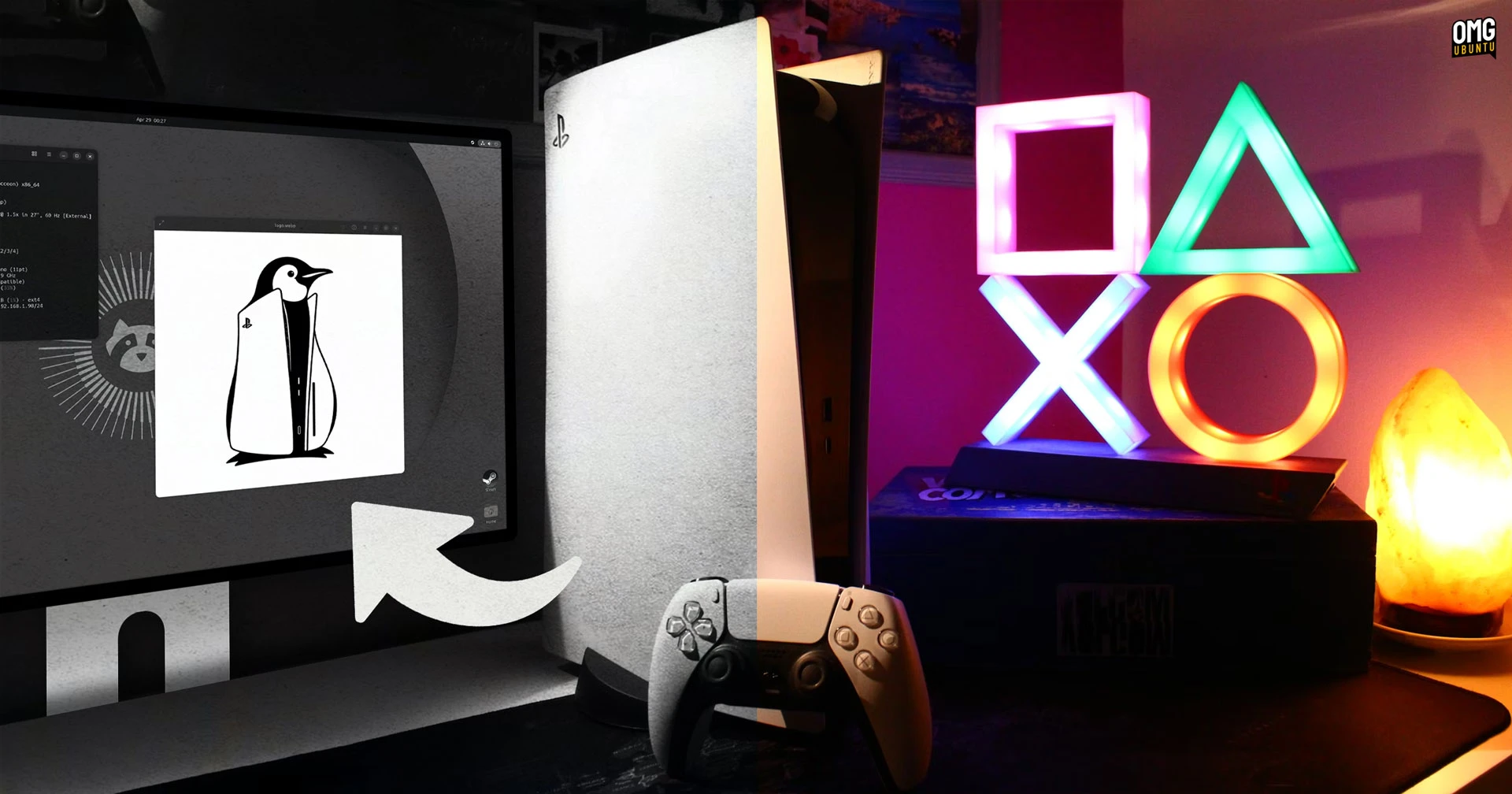
Step 5: Install Steam and Configure Graphics
Once Ubuntu is running, open a terminal and update the package list: sudo apt update && sudo apt upgrade. Then install Steam via the Ubuntu Software Center or using: sudo apt install steam. After installation, launch Steam and log into your account. The PS5's GPU should be recognized thanks to the direct hardware access enabled by the exploit. However, you may need to install additional graphics drivers for optimal performance. Check the ps5-linux-boot community forums for recommended driver versions. Browse your Steam library and install compatible games. Note that not all games run flawlessly—some may require tweaks or may not work at all due to the unique hardware configuration.
Step 6: Optimize and Troubleshoot
To get the best gaming experience, consider these adjustments:
- Use Game Mode in Ubuntu to prioritize CPU/GPU resources for games.
- Install Lutris or Proton GE for improved Windows game compatibility.
- Adjust power settings to prevent the console from overheating—monitor temperatures with tools like
sensors. - If the system freezes, reboot and try a different USB port or remount the boot USB.
- Keep an eye on the project's GitHub for updates that may fix bugs or improve stability.
Remember, this is experimental software. Expect occasional crashes and limited support.
Tips and Warnings
- Firmware lock: Do not update your PS5 firmware. Sony regularly patches exploits, and updating will break this setup permanently. Consider disabling automatic updates in system settings.
- Backup your data: Before attempting this hack, back up your saved games and any important data. The process may void your warranty or cause data loss.
- Warranty concerns: Any unauthorized modification can void your console's warranty. Perform this at your own risk.
- Game performance: While the PS5 hardware is powerful, Linux drivers are not as mature as Sony's custom OS. Expect lower frame rates and potential graphical glitches.
- Community support: Join forums like r/ps5Linux or the project's Discord for help and tips. Many users share configuration tweaks.
- Security: Running unofficial software exposes your console to potential security risks. Only download files from trusted sources.
With patience and careful execution, you can turn your PS5 into a versatile Linux gaming rig. Happy gaming!